🆕 Share Your Calendars from Microsoft, Google, Apple, and More (Plus)
This new feature replaces External Calendars and Import Events.
You can now seamlessly share your calendars from other providers like Google, Microsoft, and iCloud with your OurCal+ groups.
This makes it easy to share your work schedule, national holidays, or even public calendars like sports fixtures with your OurCal+ groups.
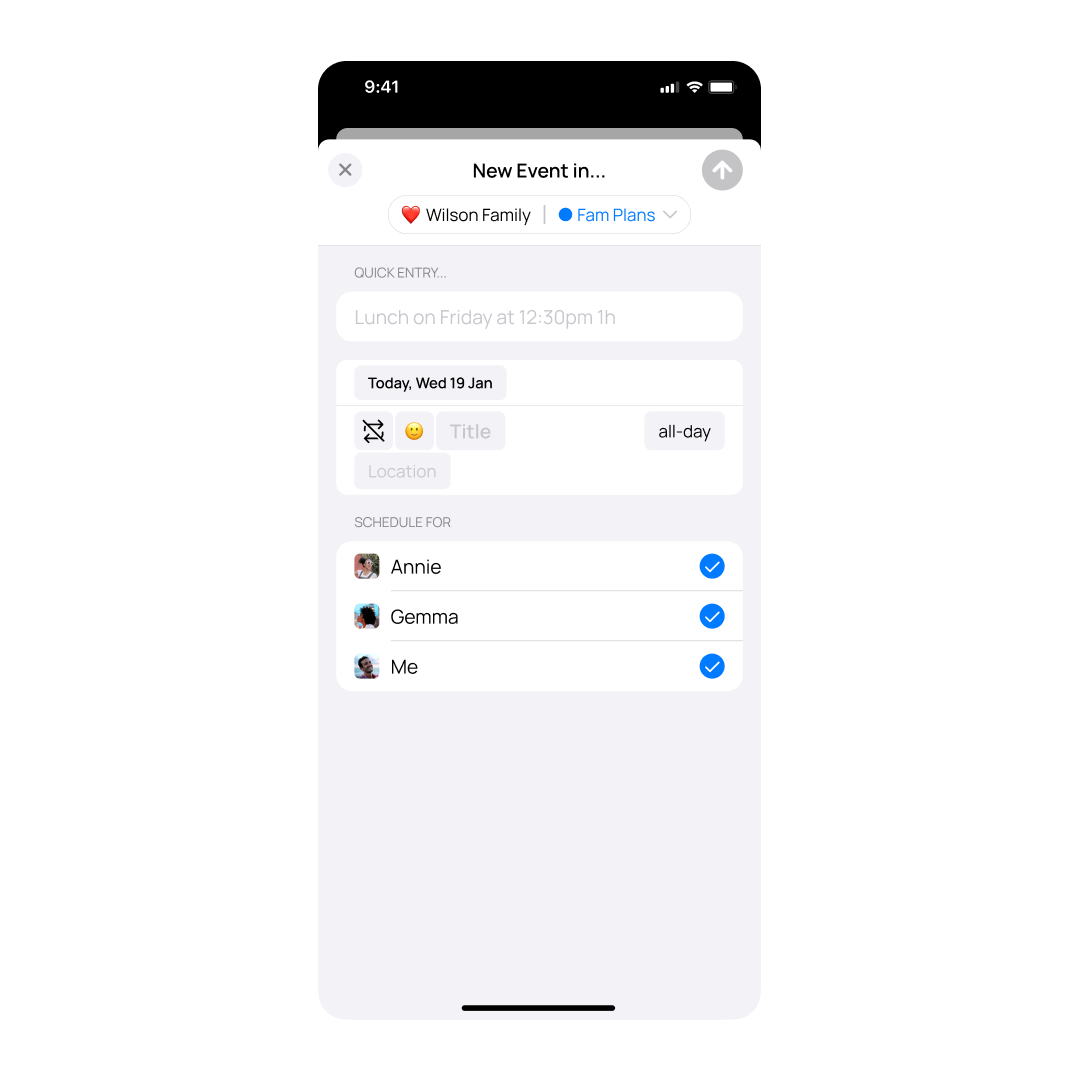
When setting up a synced calendar, you can choose to schedule its events for specific group members, ensuring OurCal member schedules are always accurate—even if the events come from a third-party calendar.
And just like with any calendar in OurCal, you can customise its appearance and configure event alerts too.
Because private groups in OurCal aren’t shareable with others, and Plus is built for shared experiences, all private groups now come with free Plus access.
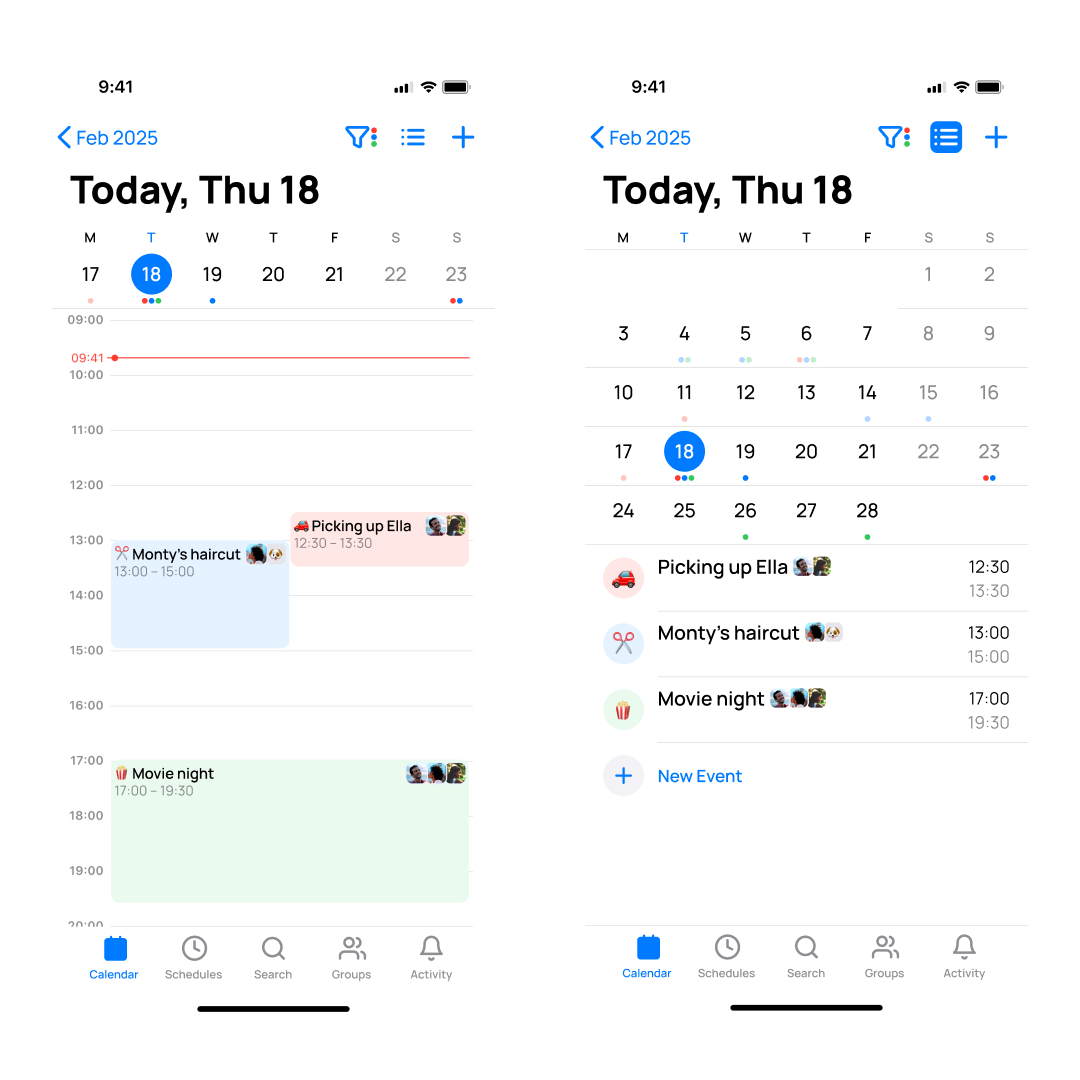
We’ve rebuilt the Calendar and Schedules tabs to improve performance and usability. The filter bars have been replaced with dedicated filter modals, making it easier to select which calendars and member schedules to display.
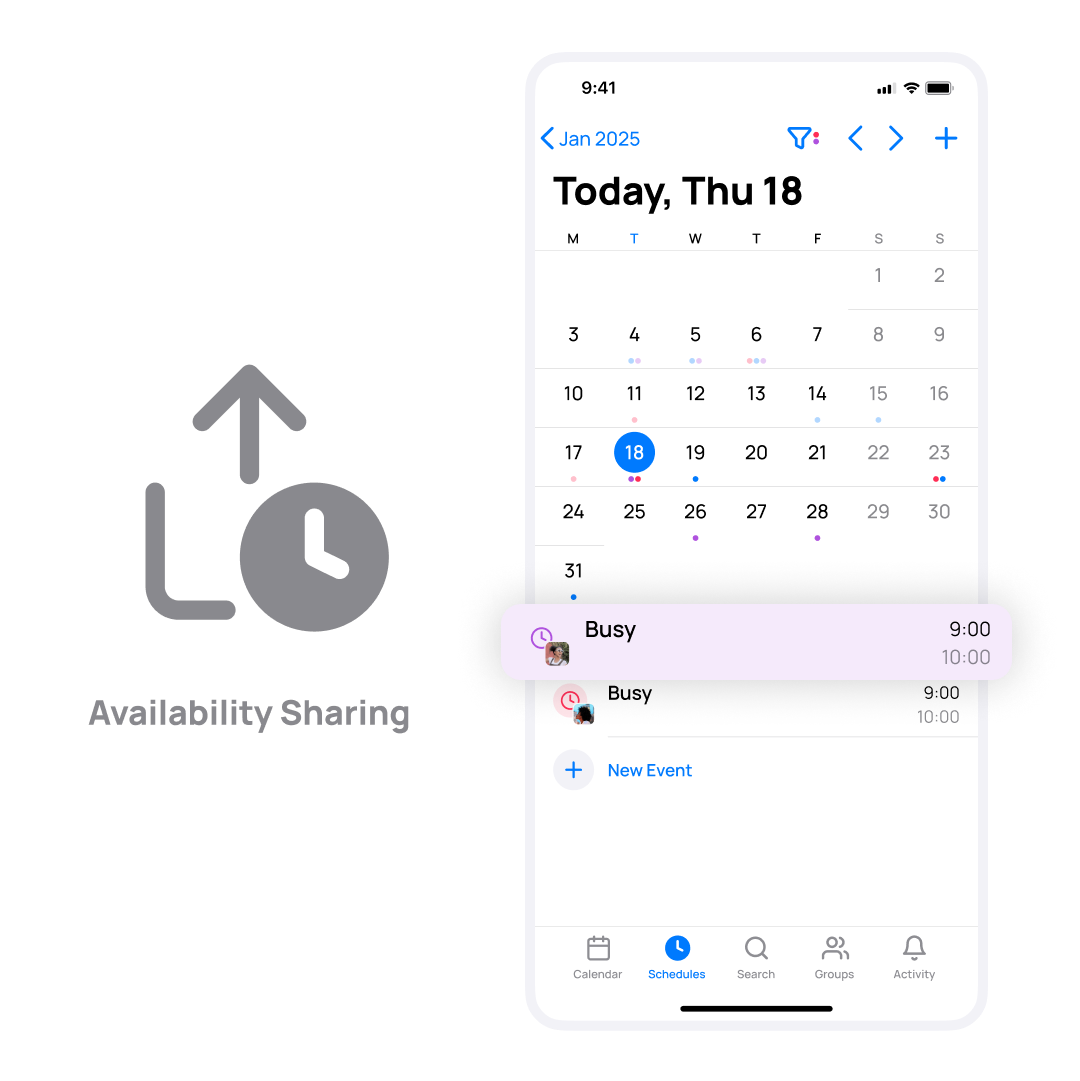
In the Schedules tab, events now appear separately for each selected member, distinguished by avatars to improve clarity.
🆕 Full Month View in Schedules Tab
The Schedules tab now offers a full-month view alongside the agenda view, letting you see all selected members’ schedules for the entire month in one place.
🆕 Custom Colours for Member Schedules
You can now assign custom colours to individual member schedules within the Schedules tab. Tap the ℹ️ Info button next to a member’s name to personalise their schedule colour across the app.
🆕 Support for Multi-line Event Titles and Editing
OurCal now supports displaying events with long titles across multiple lines. When creating or editing events, the title input fields also allow multi-line editing.
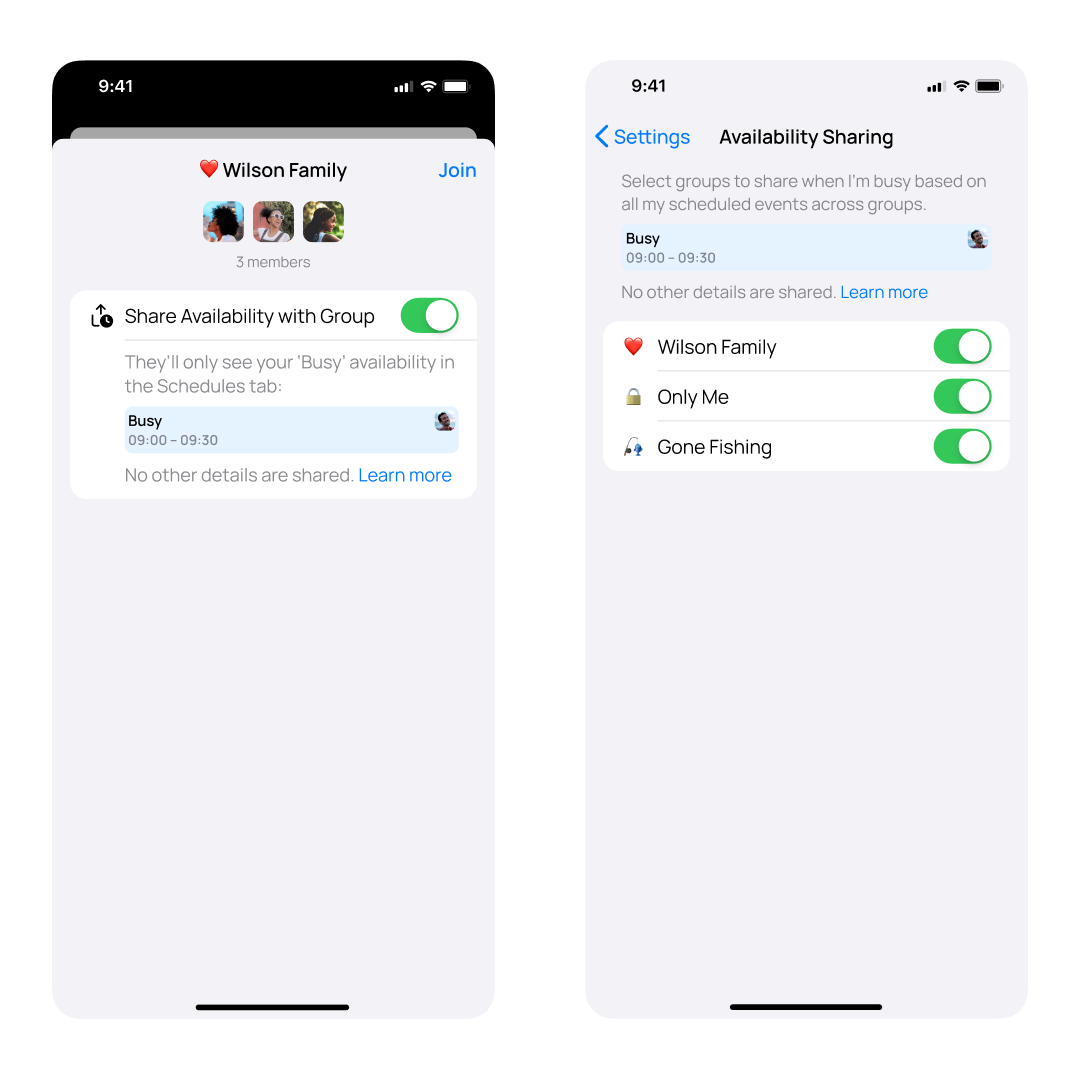
Improved Group Join Links
We’ve significantly improved OurCal group join links. Now, the group’s name and emoji are securely displayed on the join page, providing a clearer and more trustworthy experience for new joiners. This enhancement replaces the previous, generic page, helping these new users feel confident about the group they are joining.
Simplified Group Joining
We’ve simplified how you join groups in OurCal. With this update, new or existing users can now simply tap on an ourcal.link that they’ve been sent to auto-join the respective group. No more copying and pasting URLs!
Minor Fixes
And as always, this release also contains minor fixes and improvements.
We’ve made significant improvements to group calendars in OurCal, simplifying the experience without sacrificing functionality.
As before, groups are either shared or private (previously referred to as “Only You”). Shared groups now come with a default calendar named “Shared Calendar”, while private groups—created for events you never want to share—begin with a “Private Calendar”. This change makes sharing controls more intuitive and easier to manage from the start.
Additionally, these default calendars are no longer tied to the group’s name or emoji, allowing you to rename and customise them as you wish. And if you prefer, you can now delete the default calendar as long as the group has at least one other calendar.
Minor Fixes
This release also contains minor fixes and improvements.